Hi all
Something minor, but I don’t understand it:
I’m a bit confused regarding these small icons that are shown when I start self-spotting. I had understood that all activation types of the current operation are shown by their Polo icon, see snippet below:
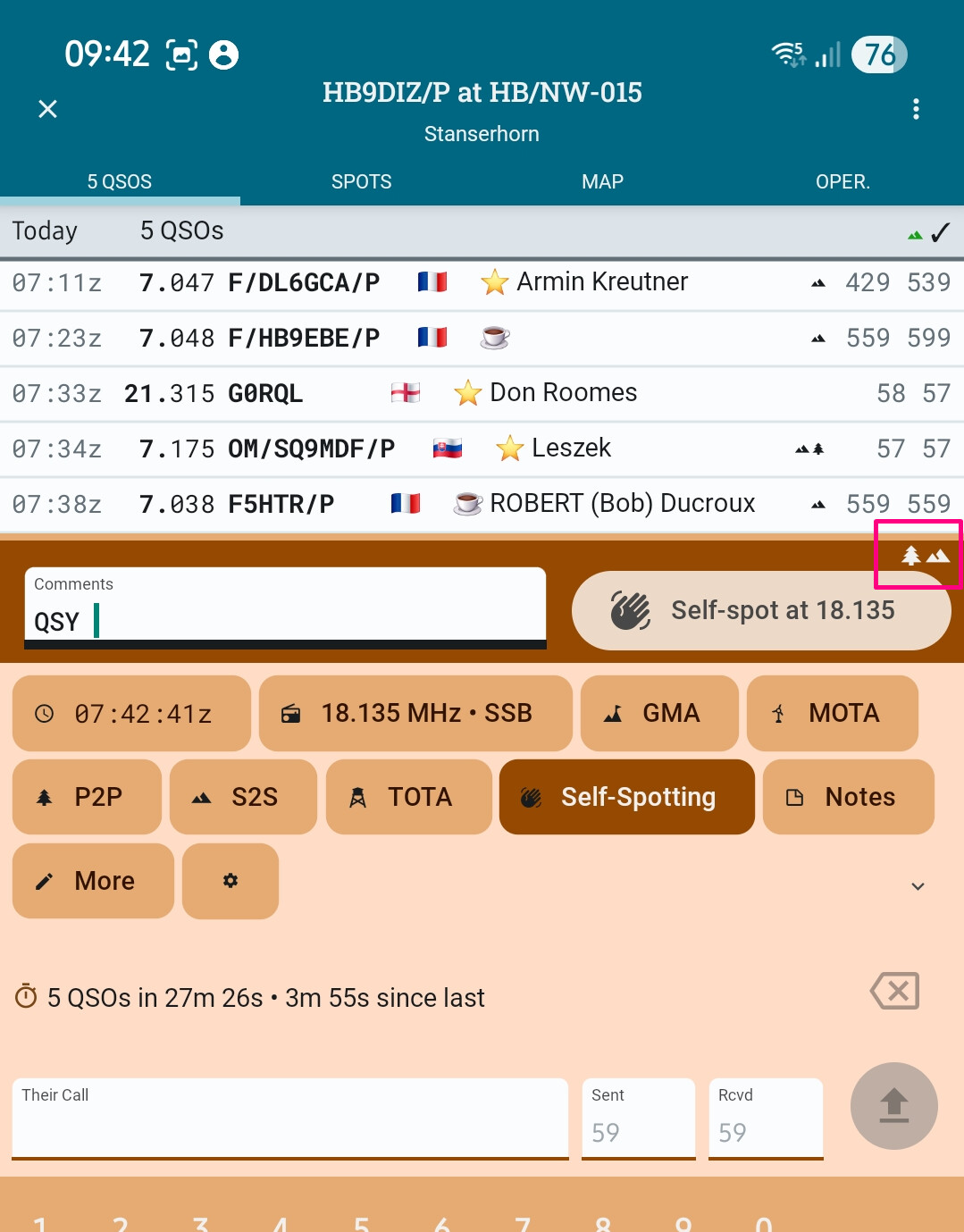
In this case above, icons for SOTA and POTA are shown. But as shown in the blue-green top bar, this operation was only a SOTA activity. It was always a SOTA activation with no POTA reference added and deleted afterwards or so. Why is the POTA icon shown?
A 2nd question regarding these icons: One ore all of them are sometimes displayed in green color. What does that mean? I’ve not found that in the online manual.
Thanks in advance and vy 73,
Markus