Lost QSO's in upgrade

Hi all, hope this is in right place.

Haven’t been on app for a the while so, while trying to get set up for an activation, I was confronted with updates and options about some cloud sync. This got me flustered so just acknowledged the one that said I wouldn’t get duplicated entries.

Somehow now I have no QSO’s logged in my app (Android - October 25 Patch 6 - Release 25.10.6 - Base Build 25.10.11121).

I have searched and searched on here (and discord) and can find scant details about the cloud/sync/getting my qso’s back . Where can I find sync in my app settings???

Sorry, I have cognitive difficulties and this is just a whole bag of confusion. I am at wits end
1 Like

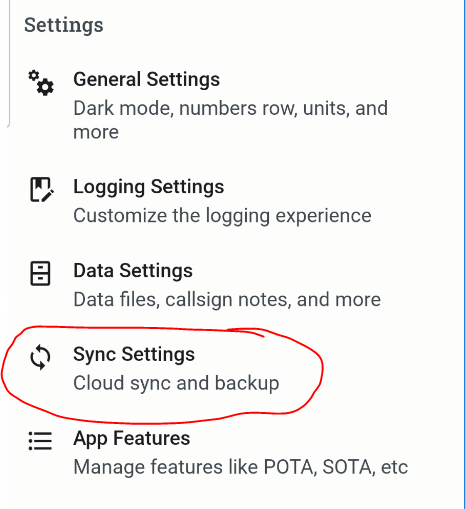
Sync settings is under Settings.

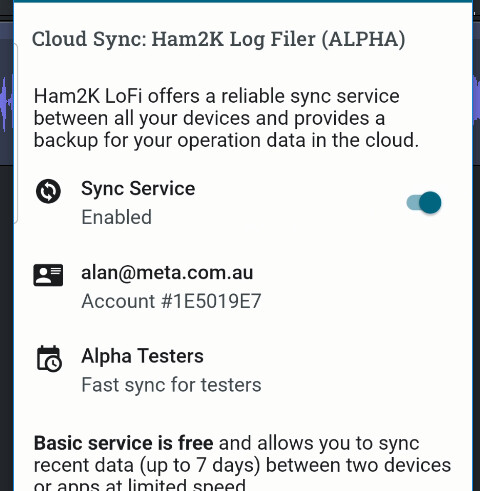
You will see a place to add your email address. Enter it and wait until you get an authorisation email. Then click on the link on the email.

Go this far and report back

Alan

Thank you for getting back Alan

I have nowhere to enter email that I can see. I have the following under settings…

Operator Callsign (Which is showing my callsign)

General Settings

Logging Settings

Data Settings

App Features

Accounts

QRZ (Which I am logged in)

Sota

That is it. I cannot find email entry option within any of the above menu items

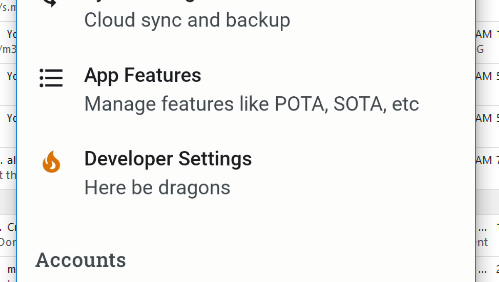
Enable Dev mode via these instructions

Alan

Here:

and here:

I have done that, thank you so much for your patience.

Email entered and confirmed.

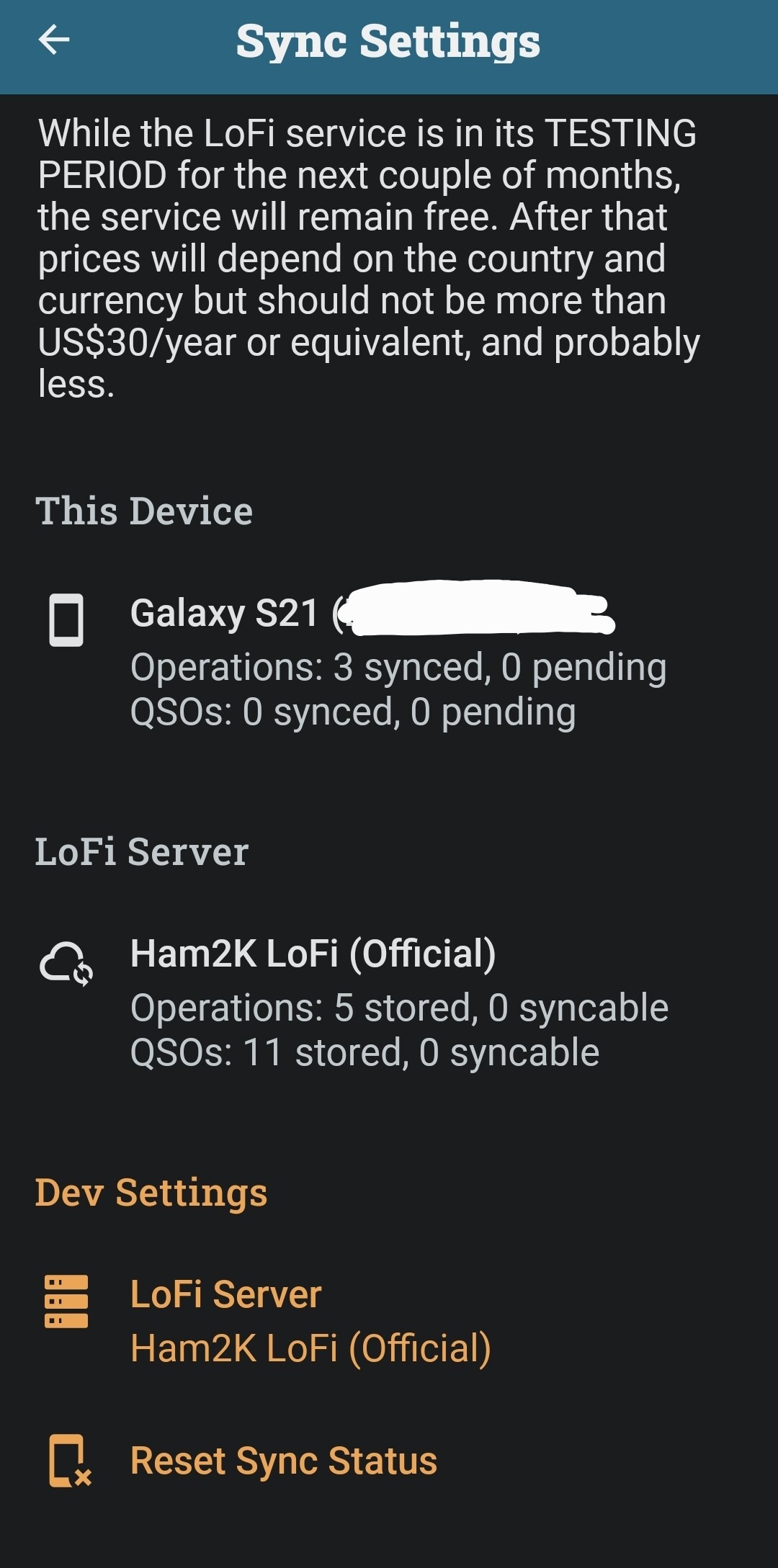
There appears to be a lot of previous data missing though, or am I missing something?

Now email help@ham2k.com
Include in the email a link to this topic.

Alan

Right you are, thanks again

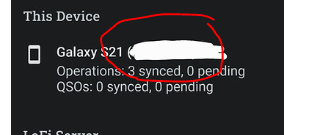
BTW this device identifier is of no value to anyone - it’s not something you need to mask

1 Like

Please also.. now you have dev mode enabled.. go to Developer settings

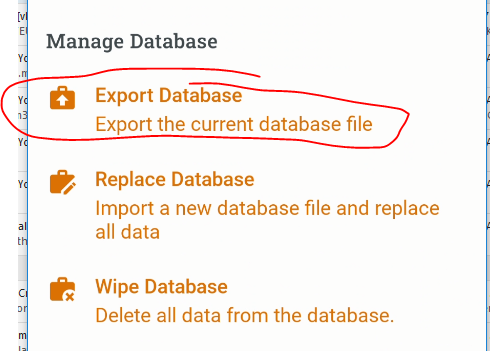
then export your database

to a cloud account where you can then upload it to

Alan

Done, thank you

Now wait - what can be done, will be done

Alan

1 Like