Hello – I have used HamRS for quite a while and have quite a few logs on my activations. Now that I’m using PoLo I would like to import my logs into Ham2K. I have exported all of my ADIF files from HamRS and imported one of them into Ham2K. It does import the file, but the title of the log comes up as my call sign followed by the words general operation. The date is correct for the imported log, but there is no indication of which activation site was associated with the log. The QSO map looks fine. Also, I would like to rename the title of that log if the import cannot pull that information in. Thanks in advance for your response! I had a hard time finding any reference to this in the forum.
PoLo does not attempt to decipher a file name. You will need to create an operation already with the activation park details selected. Or select the park after the import into a General Operation.
Once you add the POTA activity (and select a park) for an activation, the title will reflect the park name. If you do not like the park name you can add a personalised title for the operation via the operation tab of the operation. This may or may not be to your liking.
Alan
OK very good. That works for me. Appreciate it…
1 Like
Is there any way to avoid creating a QSO on the day you import the file and create the operation?
Not quite sure what you mean.
If you create an Operation, you can import QSOs from and ADIF into that empty Operation.
But there is no place to import an ADIF into an otherwise no existent Operation. i.e. An operation is not created when importing.. Importing ADIF into “History” is just for Lookup purposes.. you do not get separated “Operations” from a history import of this type…
Am I close to what you mean?
Alan
I am trying to I I I am try to not have the date of creation of the imported operation show up in the summary with No QSOs
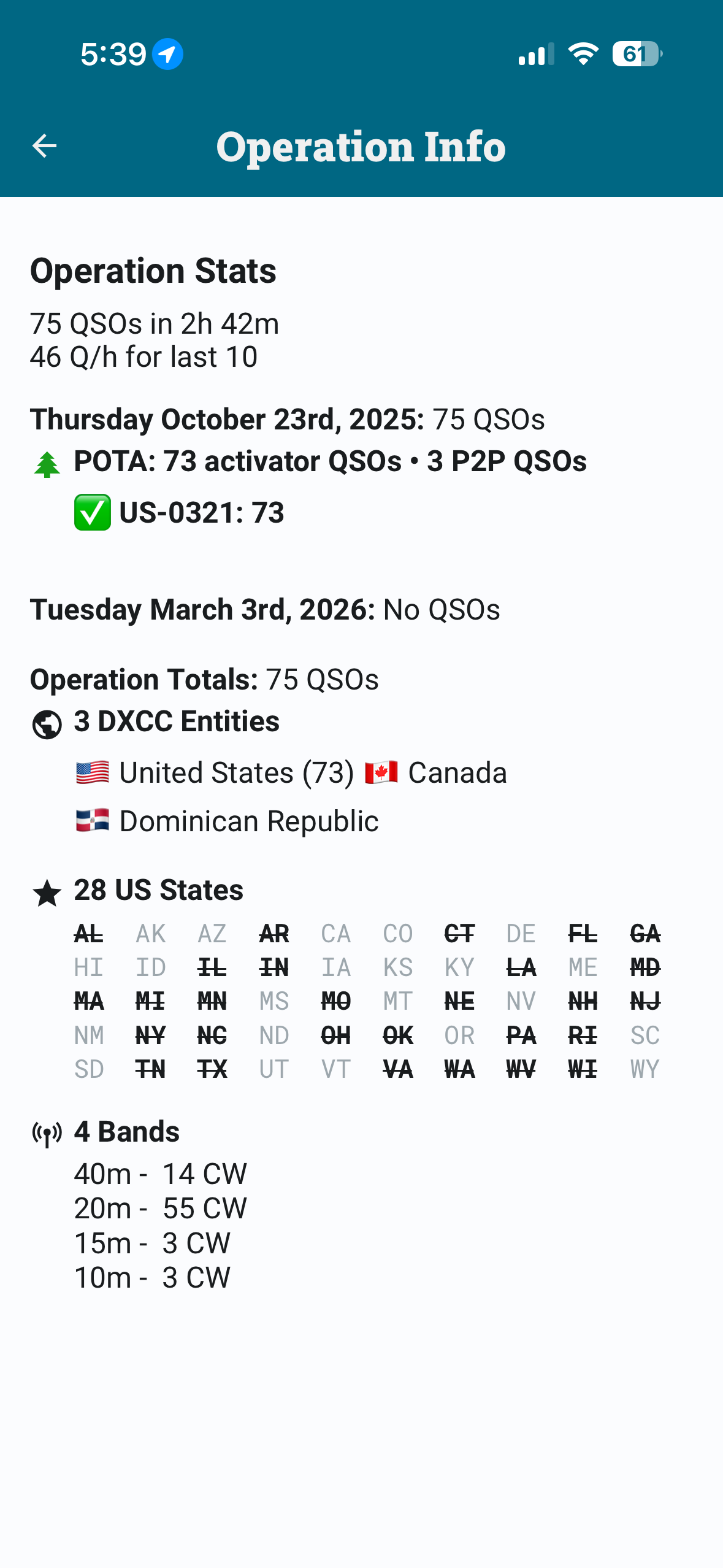
Maybe I am not following the proper procedure for creating and importing prior operations.
Appreciate the help.
post the ADIF file here
Alan
The file I originally imported or an export of the Operation from Polo?
The HAMRS ADIF
Alan
171158_WA1VEI_32054_fLBc7t6.adif (16.5 KB)
Here’s the file. It actually came from the POTA website. I apologize for hijacking this thread from its original intent.
Paul
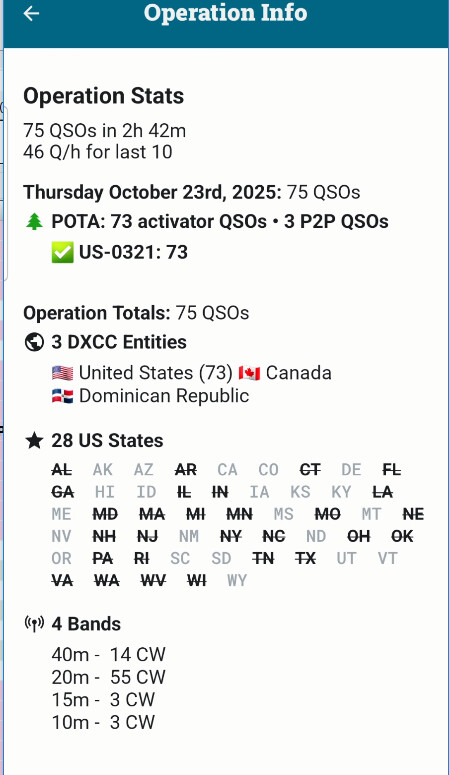
When I import this file, I get this summary which appears quite correct:
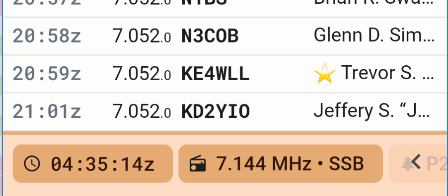
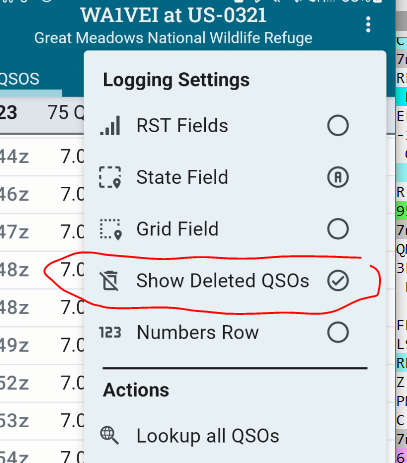
Did you by any chance edit a QSO in the list? I cannot see your operation QSO list, but let’s see what’s at the bottom.
21:01 was the last QSO:
Alan
Paul
you also have 2 dupes so thats why the 73 / 75 count is showing a disparity.
Alan
I tried starting from scratch again. Deleted the prior import. Started a New Operation. Imported ADIF that I posted here. Below is a screenshot prior to any further actions. I should add that I performing this procedure on a Chromebook using the Android app. I will try it on an IOS device and see if I receive the same results.
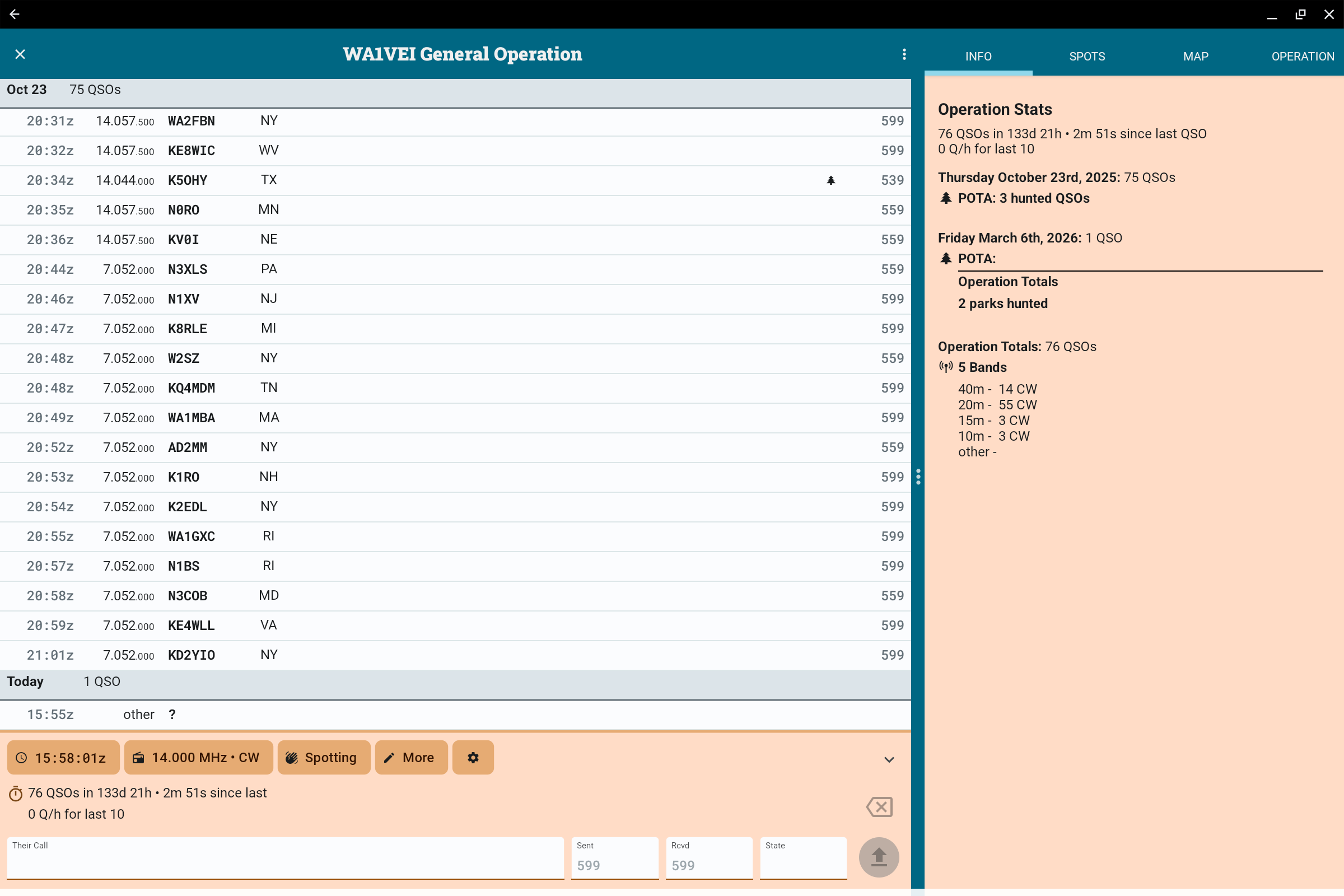
I have no idea where that “other” comes from. This does not occur on iOS or Android devices from the file you supplied.
Can you please edit it to reveal more of the details? It’s obviously not a callsign based QSO.
And please confirm that if you delete that last “other” QSO line, that the operation is as you would expect it? re date?
The date of import is clearly referring to the “other” line
Alan
I imported into iOS and immediately edited the QSO time stamped at the time of import.
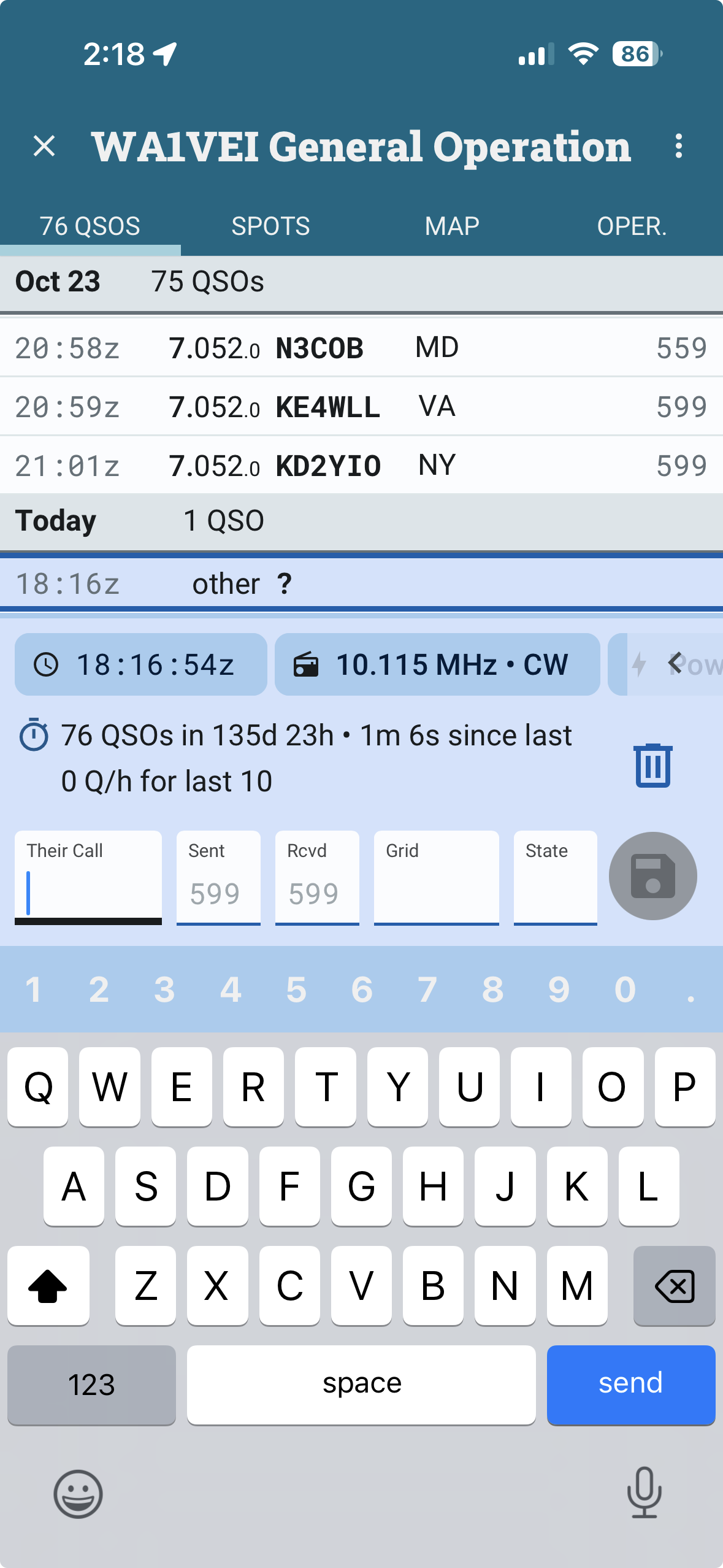
I then deleted the QSO and screenshot the Operation Info screen. You can see Zero QSOs for the date of import, but I can’t get the same Op Info screen you got after importing the file, which has no mention of the date of file import. I think I must be doing something incorrect procedurally.
Again, thanks for your help.
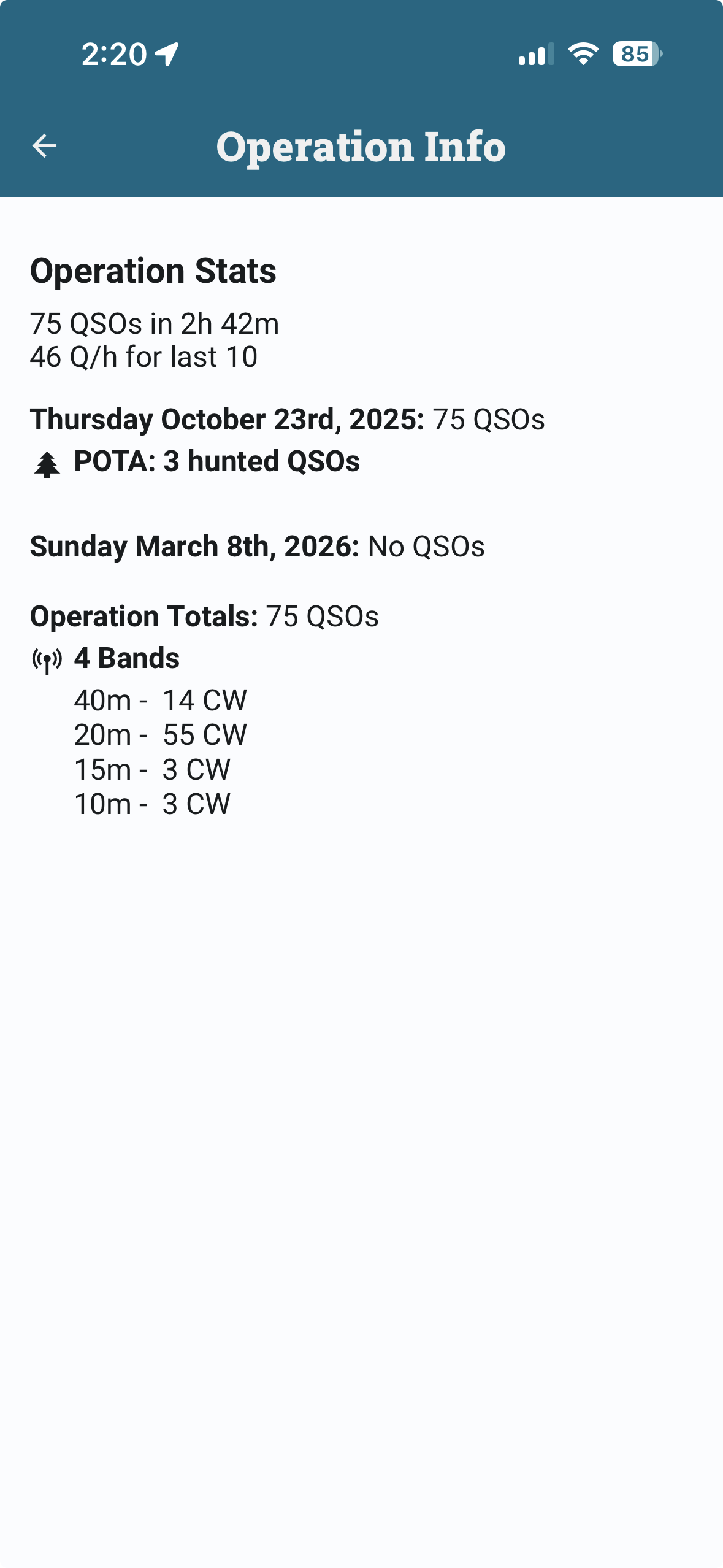
OK, I have just done this again on my iPhone
I did it by importing into a General Operation as you have just done. And I have also imported it into an Operation already set for US-0321.
In both cases, I do not get a final blank QSO on the date time of the import, I get only a clean import of 75 QSOs.
There is no other parts of the procedure or extra bits to do.
So, let’s just confirm a couple of things. I am using iPhone and Android - not Chromebook.
Are you on a mobile device? Are you using the latest PoLo: PoLo February ‘26 Patch 1 ?
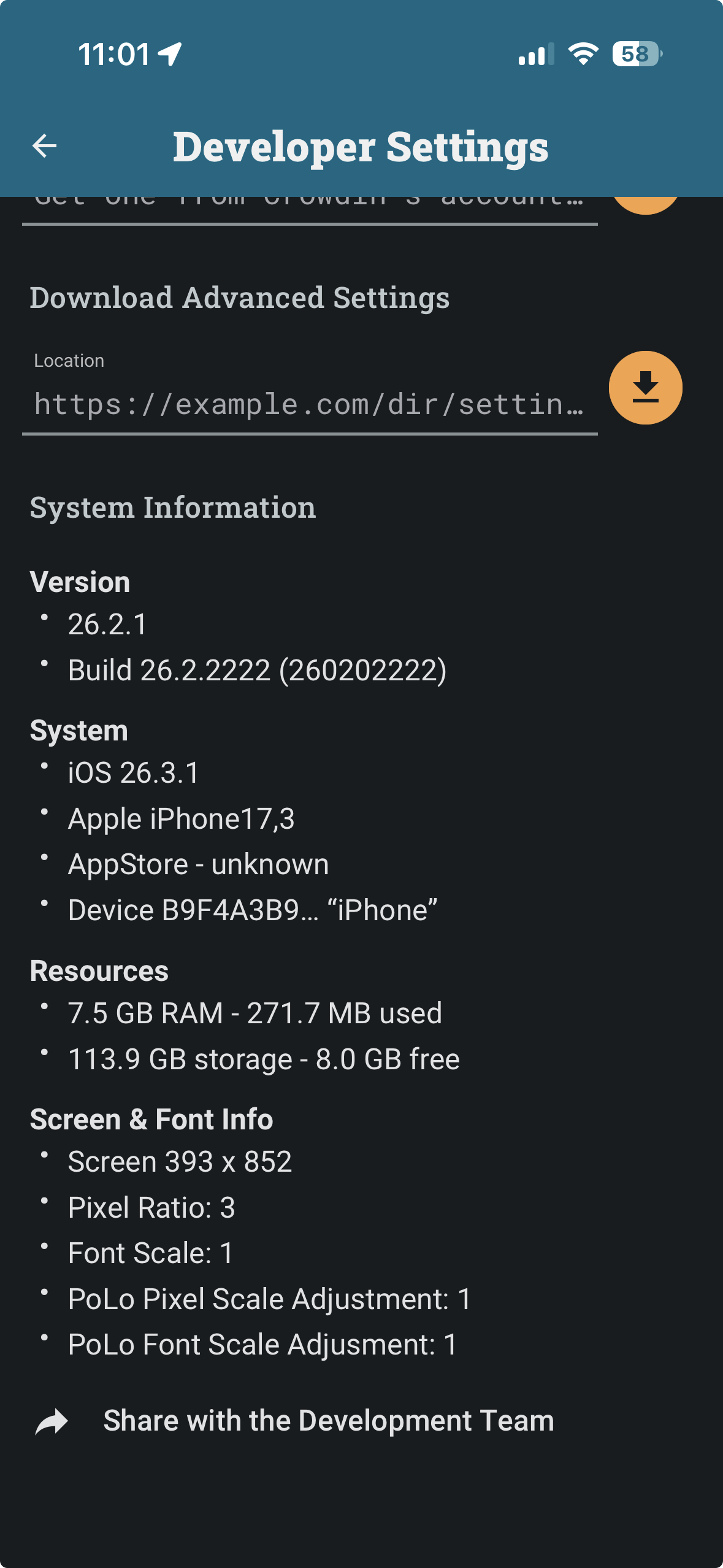
Can you activate Developer Settings and provide the System Information at the bottom of the Developer Settings page?
Alan
What exactly, do you mean by this? How did you edit it? What did you change it to?
Alan