I used PoLo now on several activations and like it a lot. There are one or two things that I would like to see in the future … but I’m not sure if other users will agree!? I have to say I am mostly doing SOTA, about 50 activations a year. I only do POTA when my summit is within a park.
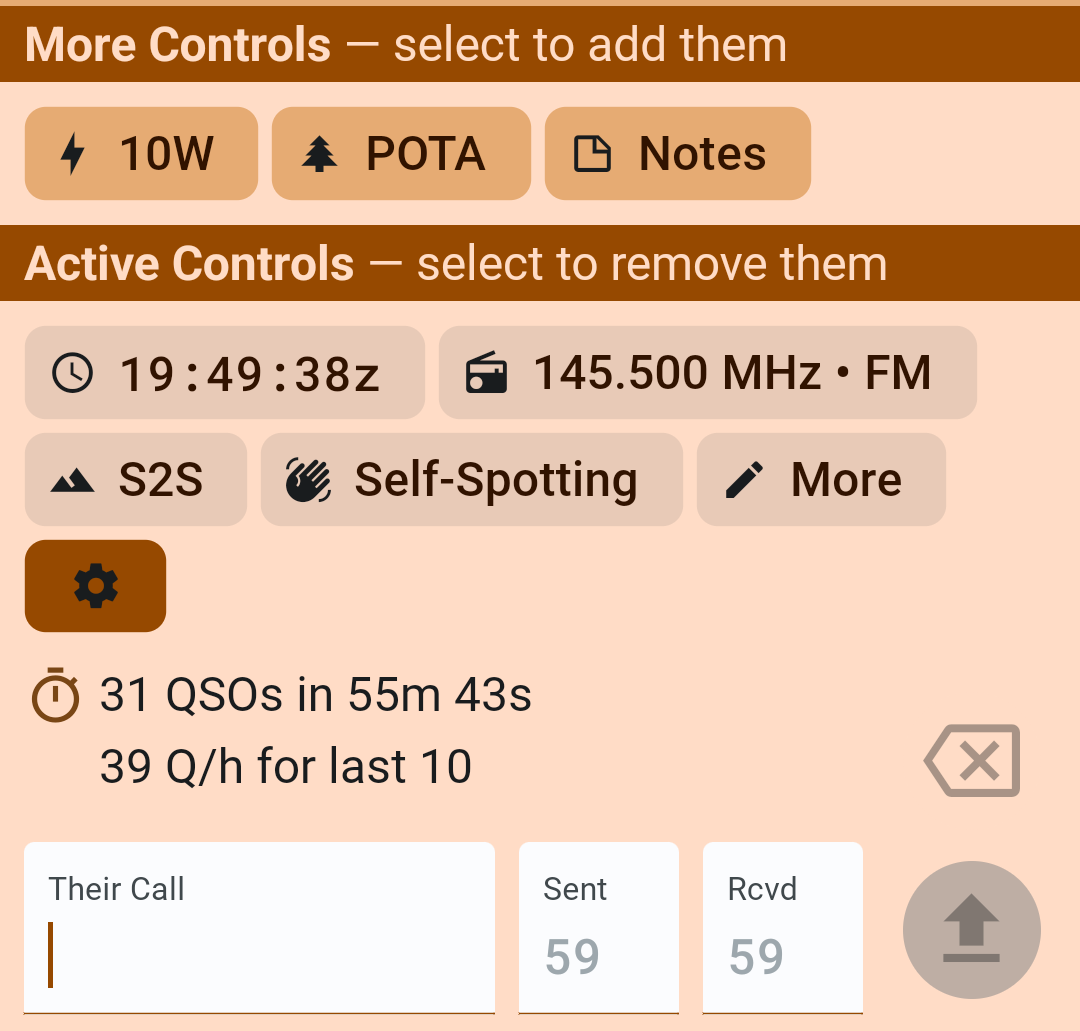
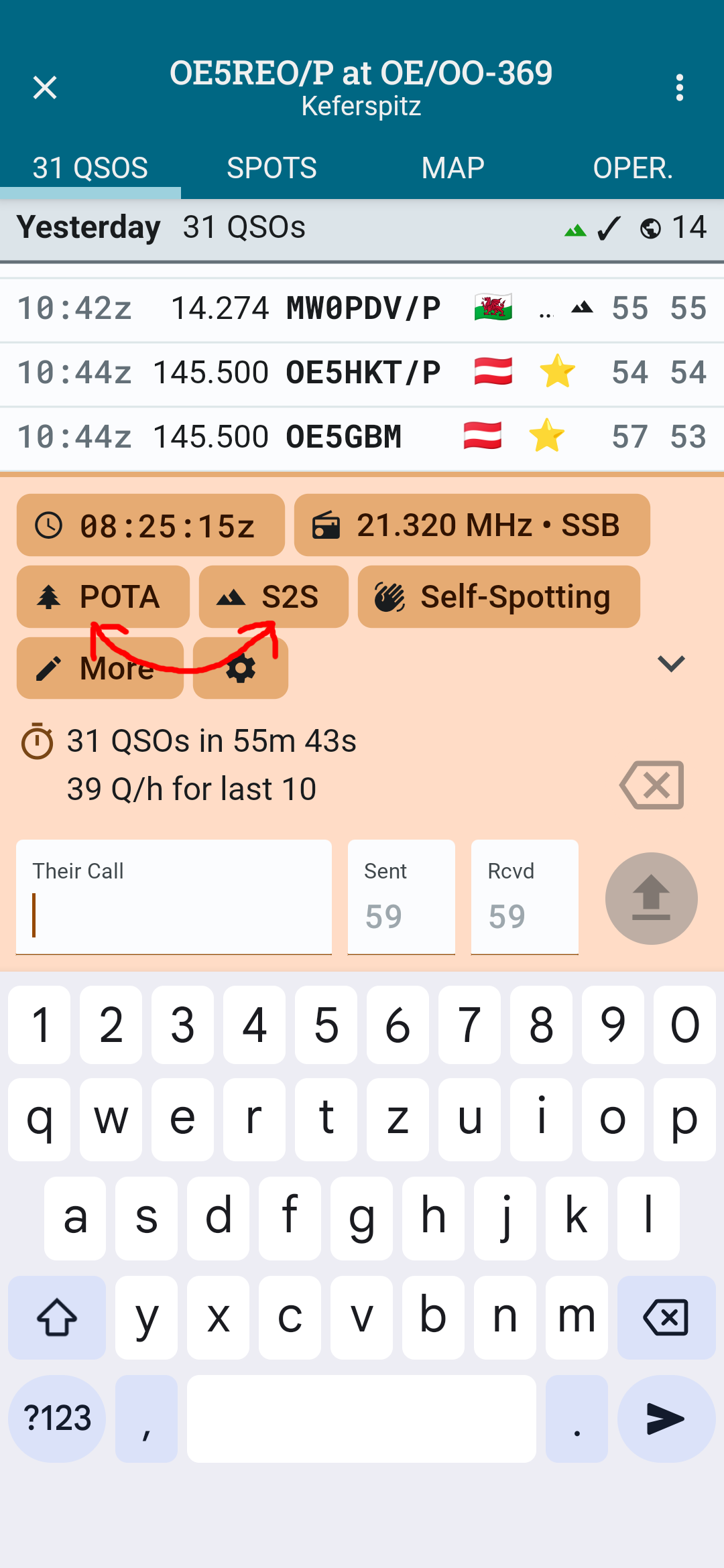
I would love to be able to change the order of the CONTROL FIELDS … e.g. FREQUENCY FIELD first, then S2S FIELD and then the other fields.
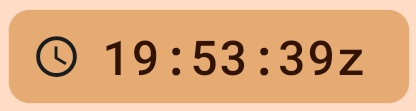
I can’t see a reason why the TIME FIELD takes away so much space on the screen. When logging I don’t care about the exact time (in seconds) that much. It would probably be an idea to change that field from
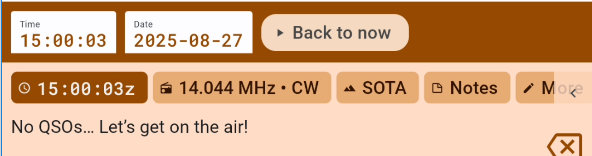
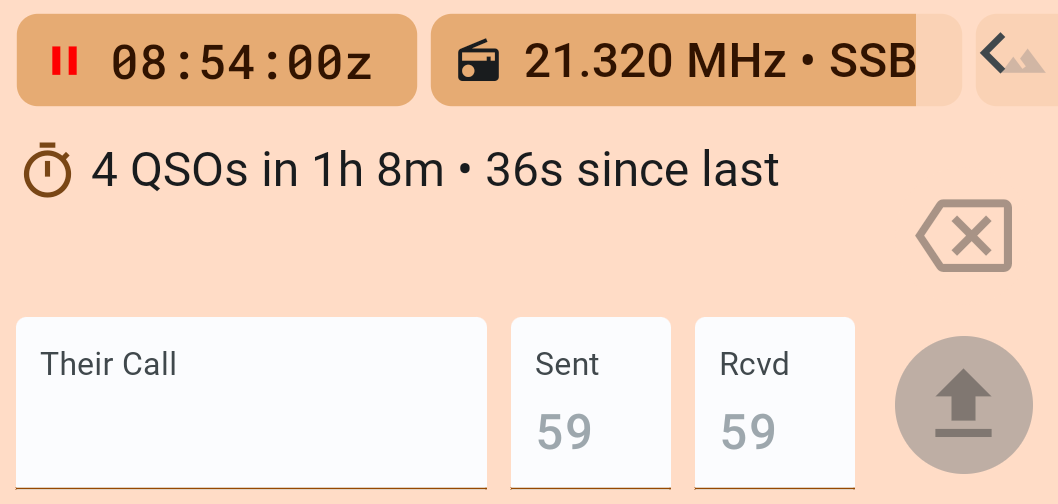
One thing you may not be aware of yet, is that you can do Post activation logging. In such cases the clock stops and allows manual adjustment - see here for more details Post Logging topic:
It is very important to see if the clock has stopped and you are in manual mode or it’s still ticking which means you are logging with now time. If you are unaware of this feature you can inadvertently stop the clock and not realise it.
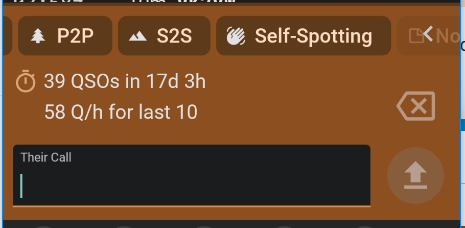
As far as field order, this is how I always see it. So I’m not sure what you mean - you have taken a pic of the controls selection window and not the entry window.
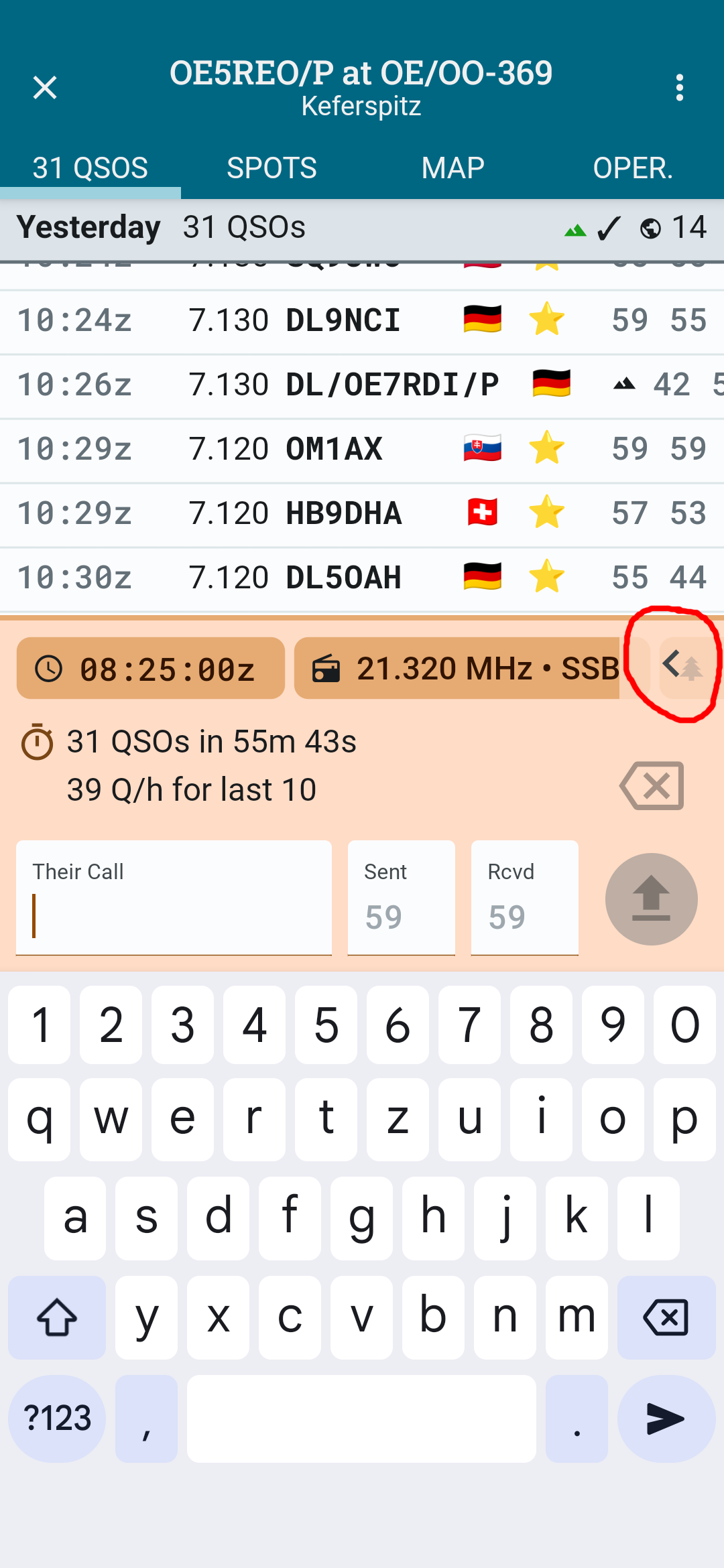
On my small screen it looks like this, so only TIME and FREQUENCY can be seen on the main screen, all other fields can only be accessed by swiping to the left or expanding all fields:
So if I want to enter a S2S reference I always have to swipe to the left (or expand to see all fields). If I check POTA as an active field it always appears before S2S in the list … so what I asked for is to be able to switch the order of the fields:
OK these are in alphabetical order. Sorry. But as I say if you swipe left, the visible fields should stay in that position so just move the POTA to the left side and SOTA will also remain in view.