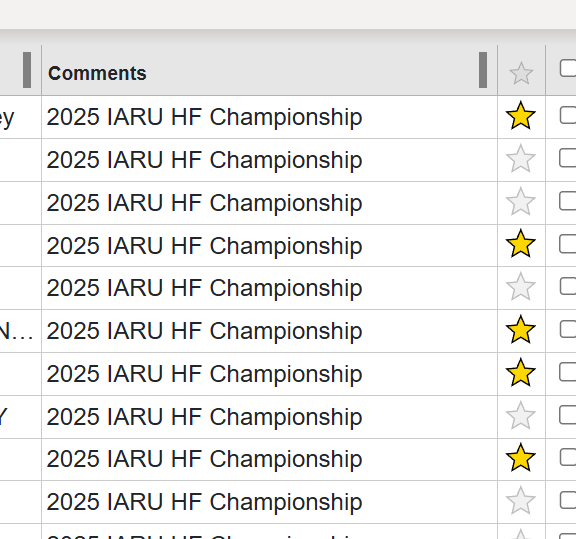
I noticed this when I had uploaded contest logs from DXLog. I would put either QSO Message or Comment (forget which field in the program it is), but it adds a comment into every upload I added. I believe in DXLog this adif field is simply COMMENT:25 followed by the entry.
I know coding and doing this for each unique contact would be a huge pain (since it’s yet another field box per contact), but is it possible under the Operation tab to have a field where we can type “Comment for each entry?” or something like that?
That way I can add something like “POTA US-1234” and then in QRZ it pops up in this field. Makes it easy when scrolling through the logbook to easily identify at a glance.
You enter whatever you want in the “NOTES” field on the entry form.
To have it export to the COMMENTS field for QRZ, simply go to Export Settings, activate the Full ADIF Export and ensure {{qso.notes}} is in place in the ADIF QSO Comments field
leaving {{qso.notes}} in the template as shown would mean your export will contain whatever you place in the Notes field on a per QSO basis. If you place nothing in the QSO Notes for a QSO, then nothing will be exported for that qso,
If you, instead put ‘2025 IARU HF Championships’ into the template, then you will get that static text in every QSO you export, until you remove it or change it to something else or return it to {{qso.notes}}.
The curly braces means you are trying to pull the contents of a qso field or operation from the recorded information.
Alan I thank you kindly for the explanation as that works a treat. The application just gets better and your time is appreciated as although obvious to some within the manual my brain is starting to let me down in some departments. It also thanks you.
I have no doubt this will also help others so your time is gratefully received. Another $10 into the coffee pot for being so kind.