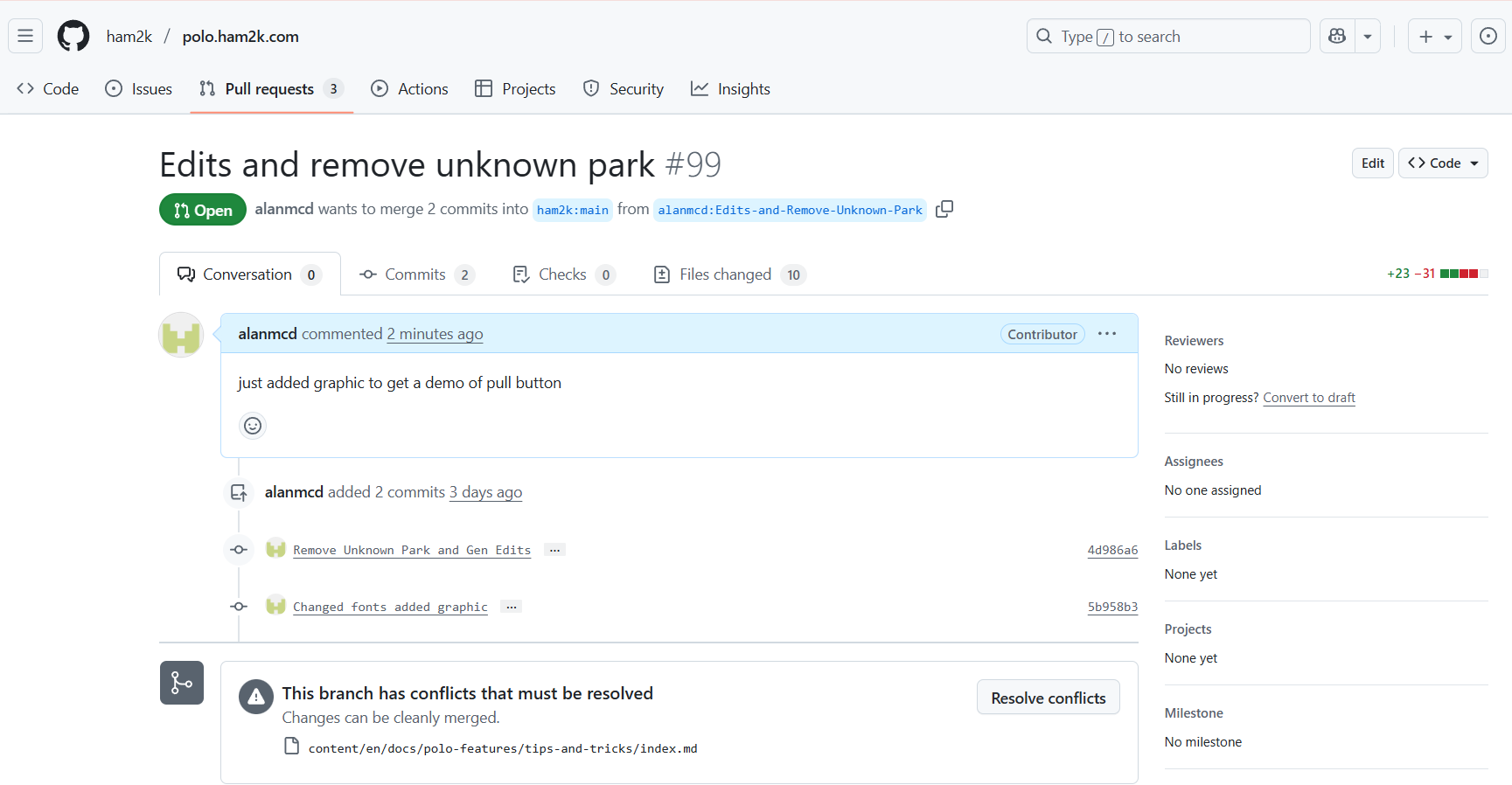
If you don’t see it, then you just need to login or create an account with GitHub, just like you would with any other service which needs an account. There will be a button on the page somewhere to create an account.. follow the prompts.
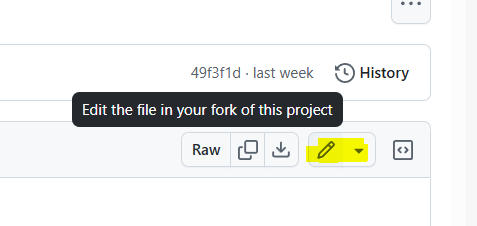
Once logged in, you just click the Edit button as above and edit the file inline - on that page…
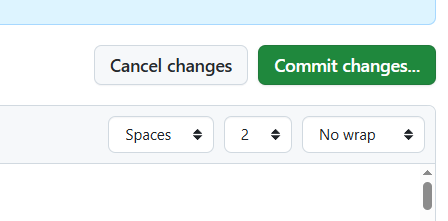
When you are finished edits, you will tap the Commit Changes button
A lot of this described in this video on editing the documents:
And once you get the hang of it you’ll be able t come back and add/edit satellites as you wish..
This will help you and a lot of other satellite users.
The changes you make will not go live straightaway. They need to be approved and merged, so don’t worry about making a mistake first up.. Just follow the syntax as you see it.
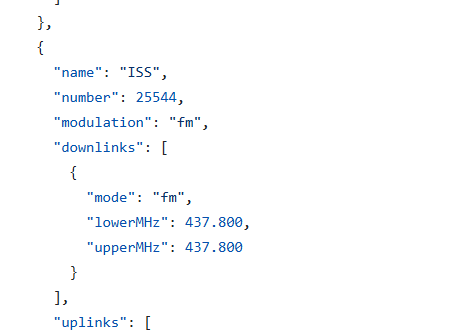
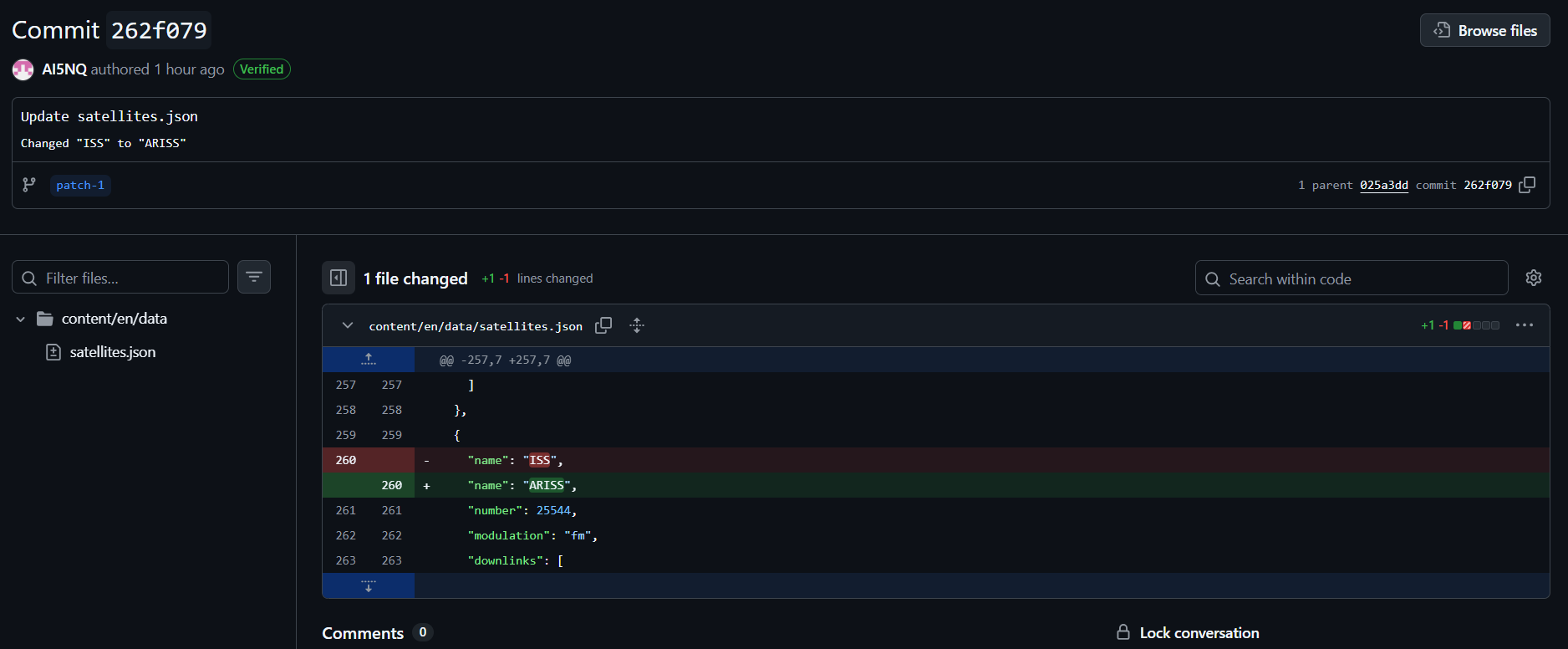
The frequencies were correct. It was only the name. LotW doesn’t recognize “ISS” only ARISS. When I sent a polo log with sats info LotW showed an error so I had to use ADIF Master to change the name. But that was all.
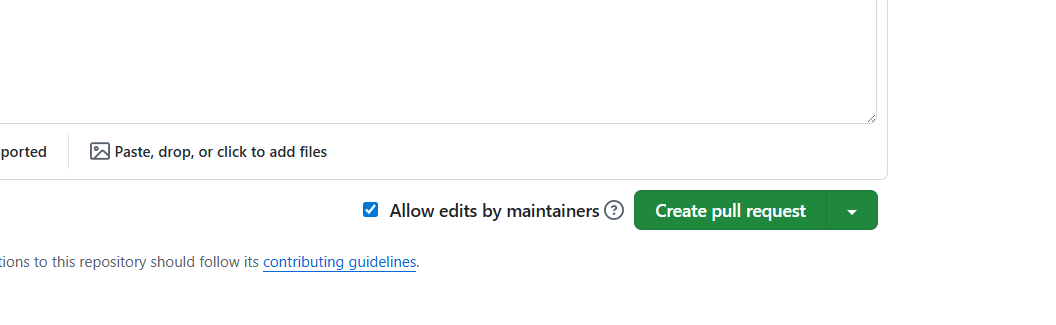
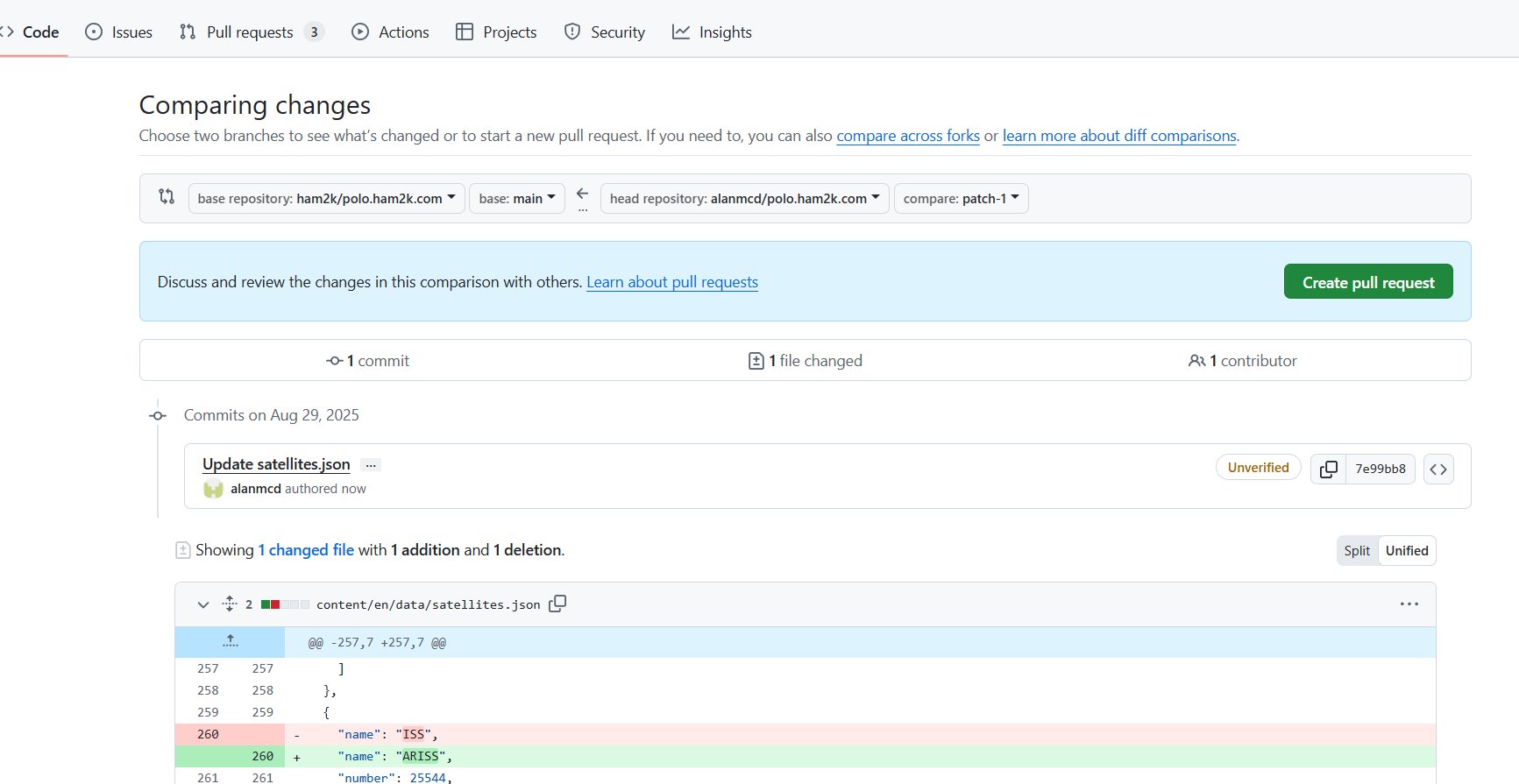
There should be a big Pull Request button like the Commit button. It requires that you add a title and some comments on what you have changed - make it simple. And the button should become active (bright green).
Once you do the Pull, it will go off and do a whole lot checking and replying about what it’s doing/done. And that’s as far as you go.
A notification will come up on the Development channel that you have asked for approval
Oh yes!!! Sorry, I totally forgot about that. Once I selected commit, that box popped up and I indicated what I had changed. I typed “Changed name from ISS to ARISS” and submitted that. Yes I completely forgot to mention that.